Preparing For Due Diligence - A CTO's Perspective
_premonition.scss## 1. Introduction
When a company is sold, it typically undergoes what’s known as Due Diligence, or simply a “DD”. The process ensures there’s full disclosure by the seller and confirms that the information provided is accurate, as this affects the valuation of the company.
Due diligence was a legal concept introduced in the U.S. Securities Act of 1933 to promote transparency in financial transactions. Over time, DDs have expanded beyond financial, legal, and regulatory compliance to encompass more areas of a business, most notably technology.
As businesses have become more reliant on technology, it makes sense that technology assets come under greater scrutiny. This means that DDs have become more significant for CTOs and CIOs. A DD is (in most cases) an onerous process, so preparing ahead of time not only helps you put your best foot forward but also reduces time away from your day-to-day responsibilities.
This note looks at the different things that may come up in a DD process, which will help you prepare.
# 2. Transparency
Before I go further, I want to talk about transparency. A DD isn’t the time to “fake it.” Sharing inaccurate or incomplete information can cause serious issues, even if it’s an innocent mistake.
There’s another, if not more important, reason to be transparent. Private equity isn’t just buying the company; it’s also buying into the executive team, so trust is paramount in the relationship. You don’t win trust by withholding or forgetting to disclose information, no matter how insignificant you might think it is.
Buyers are pragmatic and don’t expect perfection. Don’t assume that anything less than ideal is going to be as big a deal as you might think. If you believe something in your tech is a serious issue, have that conversation with your CEO and CFO to ensure they’re aware of your concerns, ideally well before any transaction!
# 3. Who does the DD and what does it entail?
Technology audits are conducted by specialist companies on behalf of the buyer, and many of these companies cater specifically to the private equity market. They bring deep technology expertise and years of hands-on experience, so you’re likely going to be talking to people who’ve probably done your job at some point.
There are a lot of steps in a PE deal process that I’m not going to get into, but if you’re interested, have a look at these references:
- Private Equity Transaction Timeline - Process, Phases
- What is Private Equity Deal: Structure, Flow, Process (Guide)
After the buyer has reviewed information in the data room, they’ll initiate a DD, which is where the CTO/CIO gets directly involved.

It is worth noting that there could be a second DD after signing to iron out any remaining issues and agree on an investment plan. In an economic climate where there’s less deal flow, investors have focused more on their portfolio companies to maximise returns, so don’t be surprised by continued engagement even after signing.
I personally think the greater scrutiny is a good thing, even if it means more work. PE companies are full of some of the smartest people you’ll meet, and they know a thing or two about running a business. Having them review your work is a good sense check. Remember, you’re a shareholder and should welcome the attention.
Auditors start by getting a solid (non-technical) understanding of your products and services to give them the necessary context and an understanding of technology’s role. They are rarely afforded time to deep-dive into every single area, so they tend to do a broad scan first, and then zoom in on things that:
- Feel off or leave a question mark. Auditors are seasoned experts, so they’ll have an instinct for things that merit a closer look.
- Relate to risks, e.g., security, legal, and regulatory compliance.
- Are strategically important in the 1 to 3-year timeframe and affect the investment thesis, e.g., refactoring, scaling, or new USPs.
This will get into a level of detail you, as a CTO, might not have, meaning you’ll have to involve people from your team, which can be tricky if you’re worried about confidentiality and want to limit the number of people in the know. Think about which topics you can personally cover versus those you’ll need someone on your team to answer. The devil really is in the detail, and the auditors will want the gory details.
Again, documentation is your best friend. The more you’ve written down and can share, the less likely you’ll need to involve others. Sharing up-to-date documentation also demonstrates that what you’re saying isn’t just window dressing conjured up a few days before the audit.
If you do have to bring people from your team, prepare them for what can be a daunting process, especially if they’ve never done it before. It is also vital that they understand the importance of confidentiality and why. It might be easier involving direct reports, but what if the subject matter expert reports to one of your direct reports? Do you make your direct report aware? As much as I hate internal NDAs, getting your team to sign one isn’t just a useful legal device, it underscores the importance of confidentiality to them.
Finally, remember that if the deal successfully completes, everything you’ve said will form the basis for future plans and investments, which is another reason to be accurate and open.
# 4. Assessment Topics
Every company is different and so is the role technology plays. This means what is scrutinised and to what degree will vary, but many of the following topics will come up:
- Architecture and technologies landscape.
- Strategy and roadmap. You do have one right?
- Operational performance – current and historical data from KPI/Dashboards.
- Software Delivery Lifecycle – which includes tools and processes.
- Governance, budgets and delivery framework
- Team & Skills - Of particular interest will be single person-point-of-failure(s) risks.
- IP ownership.
- Security and compliance – covering cyber security, controls, patching, staff training, legal and regulatory compliance.
I’d recommend creating a checklist for each topic and assessment to see how well you fair. Even a cursory qualitative assessment can be quite illuminating. Let’s look at each topic in bit more detail below.
# 4.1. Architecture Landscape
They say a picture is worth a thousand words, and a simple high-level logical view of your whole technology estate is a great way to start. It won’t hurt to show future target architecture (see Roadmap & Strategy section) if you have them to hand.
Things to consider:
- Show all the individual applications and how they’re connected
- It helps to describe how data flows through your applications and which business processes they relate to.
- Where do you face the greatest challenges in the architecture today, or in the 1–3-year timeframe? Where are the bottlenecks?
- How do you protect and recover from failures? e.g:
- In the application software e.g use of circuit breakers, retries and timeouts.
- Infrastructure resilience within a data centre and across multiple data centres.
- What are the back up and restore procedures? How often are they tested?
- Are there any automatic failovers?
- Are there single-points-of-failure?
- How are applications monitored and alerts issued?
- How mature is the monitoring capabilities ie. are you monitoring individual boxes, or end-to-end (e2e) services?
- Are there any gaps?
- Are there any performance dashboards?
This may sound obvious, but ensure it is easy to see the relationship between internal names and the public ones. There’s been many a time I’ve listened to a presentation wondering how it relates to the product customers use.
Below are some example architecture diagrams that may help you get started.
# 4.1.1. System Architecture View
A System Architecture shows all the components and how they connect together. The components can be logical representations of what actually exists because it will simplify the digram, making it easier to understand.
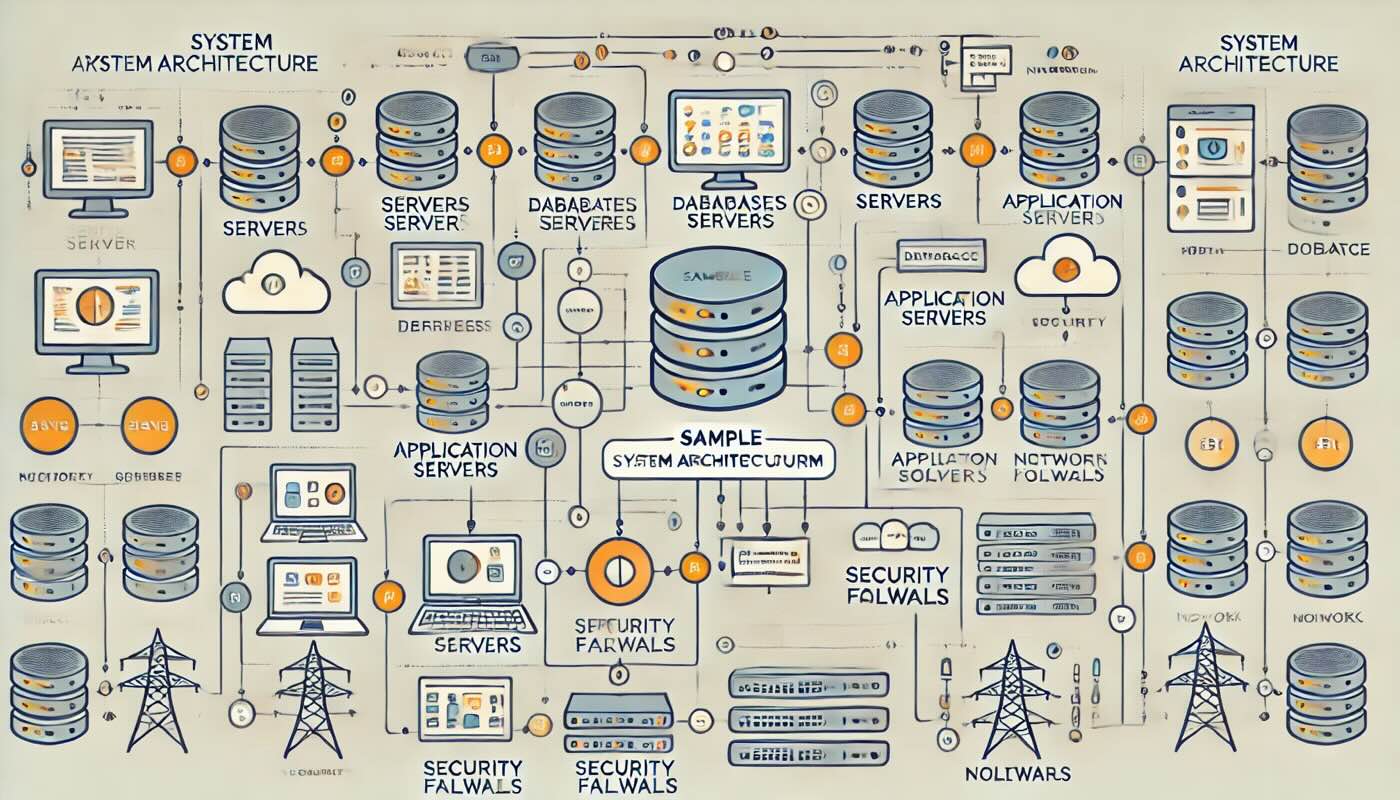
System Architecture diagrams work for most small to mid-sized companies who haven’t adopted a full micro-services architecture.
# 4.1.2. Enterprise Architecture View
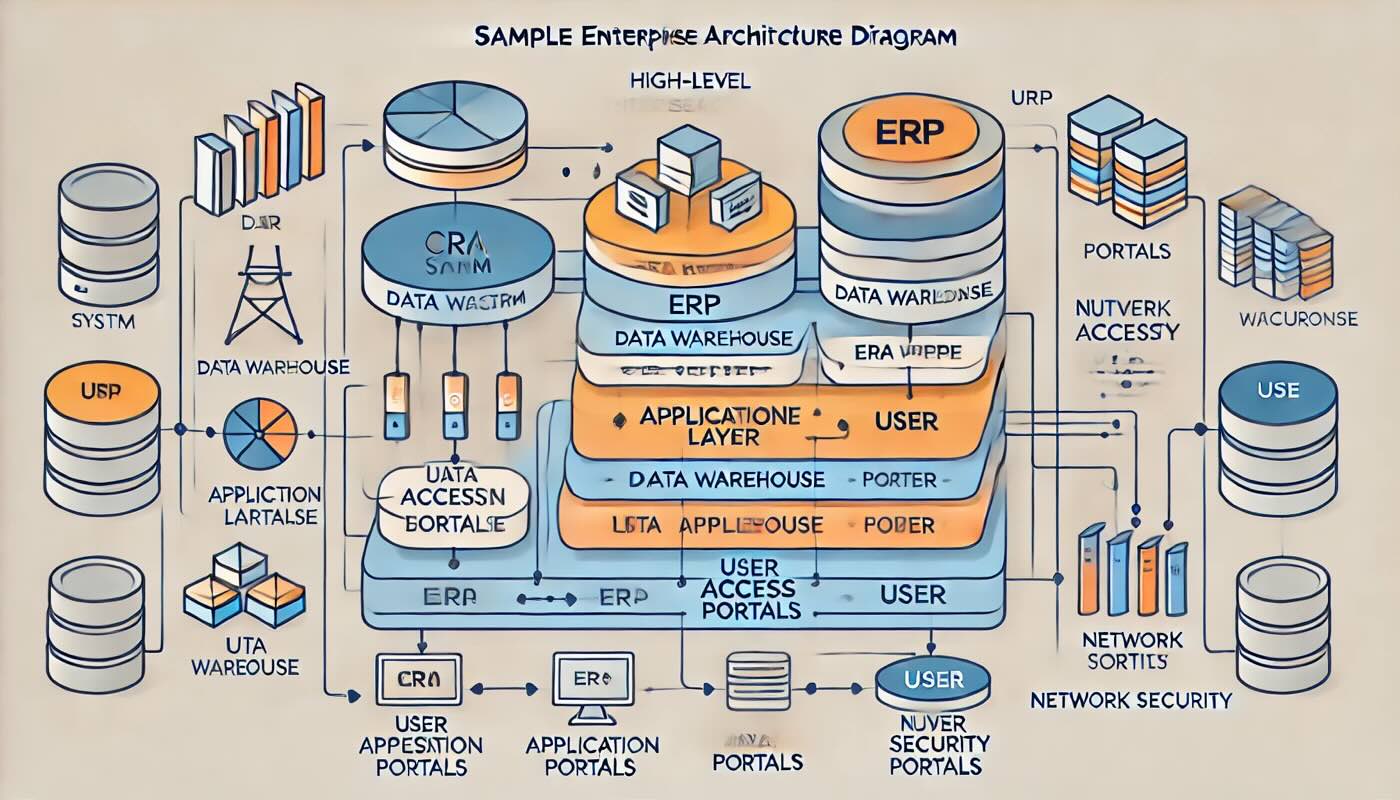
Okay, I have to confess, this is my least favourite diagram, but I’m including it because it’s more common in larger enterprises that have a lot of applications. It is not necessary for small- to mid-sized companies, and honestly, if you’re creating these artifacts in a startup, then you’ve hired the wrong people!
# 4.1.3. Microservices View
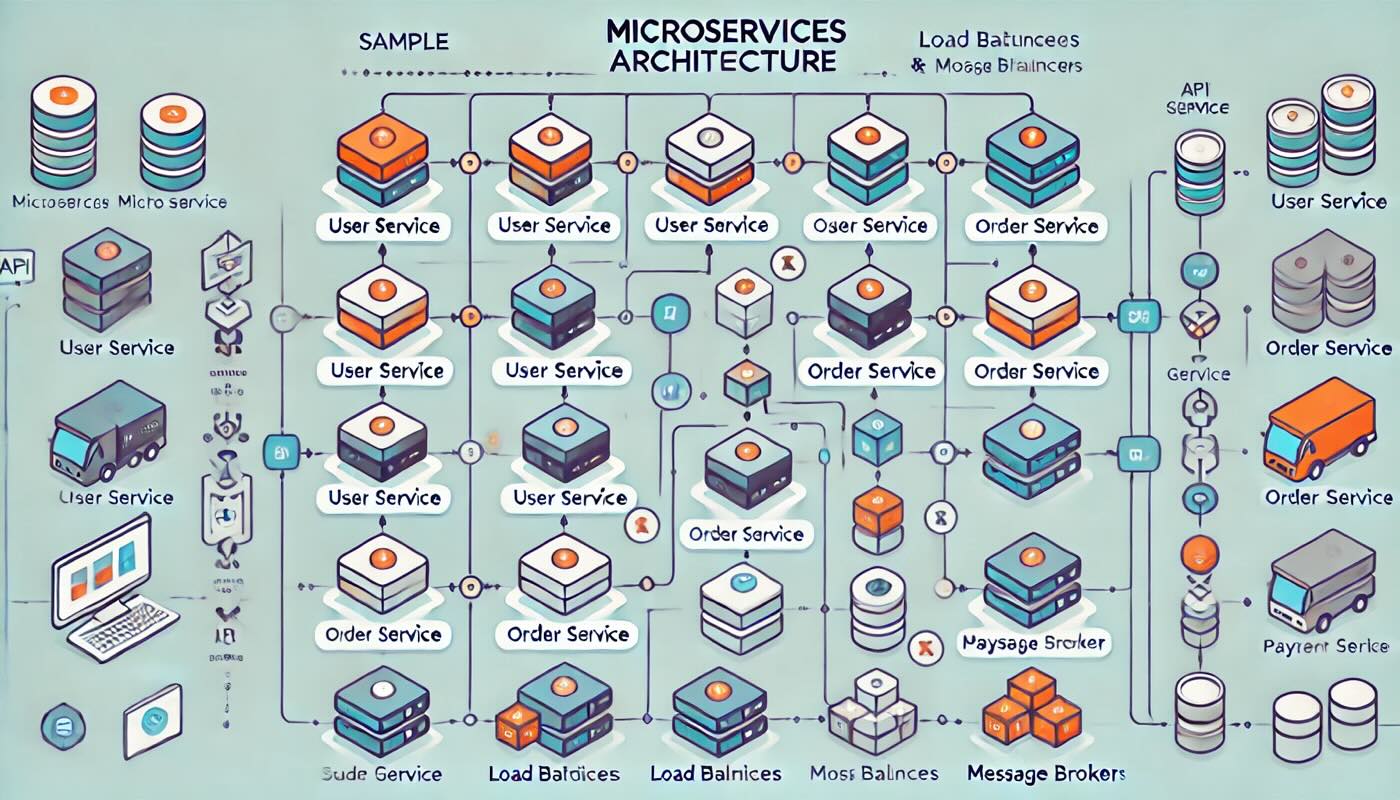
Microservices architectures have become more common as they’ve become easier to design, build, deploy and manage. If is what you’ve built, then this is probably a better option for you.
# 4.1.4. Cloud Infrastructure Diagram
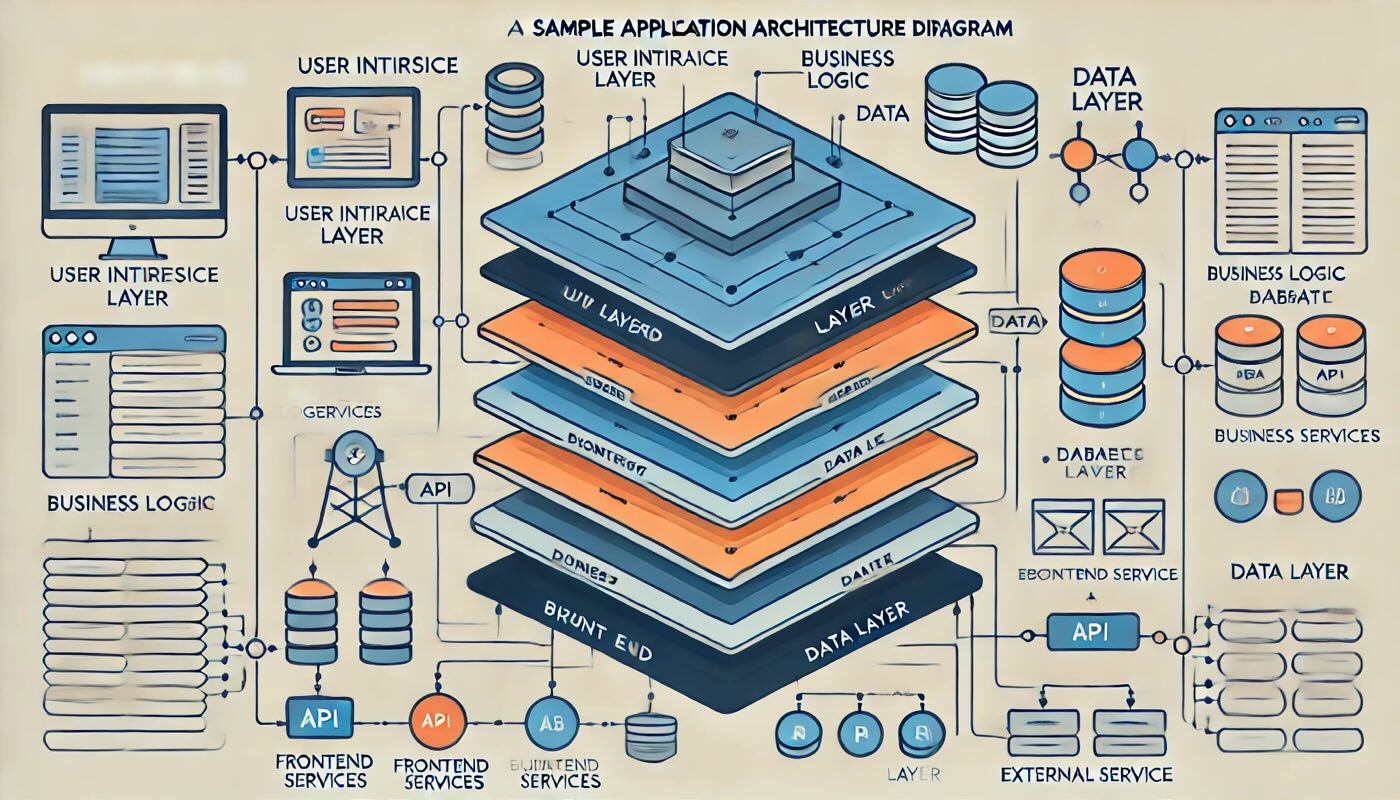
# 4.1.5. Application Architecture Diagram
# 4.2. Software Languages and Frameworks
Compile an inventory of the languages and frameworks used, including the versions. It’s ok if you’re not on the latest versions as long as it’s under long-term support. It will be a problem if critical activities are using unsupported software, so be prepared for a discussion.
Things you might want to consider:
- What’s the software architecture and design?
- The rationale for choosing particular languages and frameworks.
- Are you using more than one language and framework in the same part of the stack? This is very common with acquisitions. It’s okay to use multiple languages/frameworks in different parts of the stack as long as there’s a good reason, but if for example you’ve got two different front end languages and frameworks both doing the same kind of thing, what are your plans to address this?
- Are there any benefits or challenges finding developers for your chosen tech stack?
# 4.3. Roadmap & Strategy
IMHO, a good CTO isn’t just reacting to today’s challenges; they’re thinking and planning for the next 1 to 3 years, unless you’re in a company where technology is just a delivery factory.
Many people argue that “no business plan survives first contact” and that creating one is a waste of time. I disagree. Research shows that a company with a business plan is more likely to succeed than those that don’t, even if the plan bears no resemblance to what happened in reality1. Why? Because the act of creating a plan forces you to consider different future scenarios; it compels you to think strategically.
Sharing a strategy, roadmap, and associated budget with auditors demonstrates:
- How well aligned the technology is with the business needs.
- Savvy commercial engineering and forward thinking.
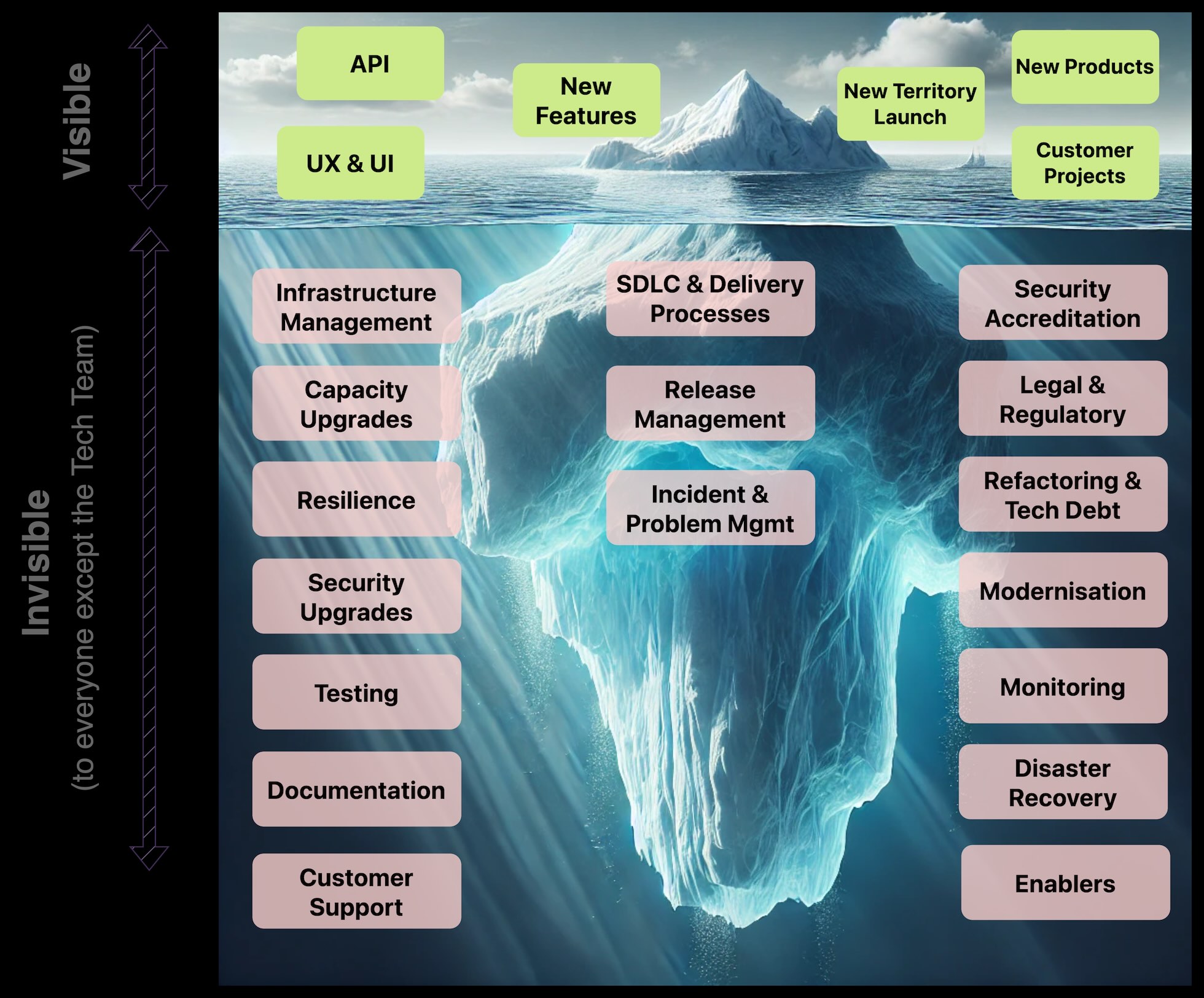
- How much time/effort/investment goes into maintenance, security and other things that many non-technical teams won’t see or value as much as, say, new features. Technologies require ongoing maintenance to keep them in good shape for the medium to long term, and it is your job to ensure that happens.
The last point reminds me of the classic iceberg analogy. Most of what Technology does is below the waterline. Getting investment for things that are invisible to anyone outside the tech team is hard, especially when there’s pressure to release more widgets in an already crowded backlog. However, it’s necessary to avoid tech debt/friction so you’re in good shape for the medium to long term.
Points to consider when creating a roadmap:
- Define categories for the major initiatives and activities e.g. maintenance, security, features, and capacity and list the associated projects.
- Describe how different categories are assessed and prioritised for investment.
- Explain how the deliverables relate to the business strategy.
- Include enablers or reusable components.
- How are you leveraging new and innovative technologies for commercial advantage?
- Characterise and assess your stack in terms of:
- Scalability – How easy is it to scale? What’s the relationship between cost and capacity?
- Availability – What’s the target availability and how you achieve this?
- Reusability – Do you share or reuse capabilities?
- Modifiability – How easily and cost-effectively can you accommodate new features or use cases?
- Security – How do you monitor and protect against evolving attack vectors?
# 4.4. Operational Performance
System availability is one of those things that’s not important ….until there’s an incident. I exaggerate to make the point, but it is one of those things that’s easily overlooked or deprioritised. Incidents hurt your customers, your brand and ultimately your revenue so being able to demonstrate you’ve taken proactive steps to reduce any risks is a good thing.
Points to consider:
- What monitoring tools and systems are in place?
- Are there gaps? Ultimately, are you aware of an incident before a customer tells you?
- Can you detect service degradation, or only a complete loss of service?
- What dashboards and metrics are used?
- Do you have internal and external SLAs, and do you meet them?
- What are the RTO and RPO targets?
- What’s the performance for the last 12 months?
- How many incidents have there been?
- What level of severity were the incidents?
- What the incident response process for different levels of severity?
- How is someone notified when there’s an incident?
- How do you communicate internally and with customers during the incident?
- Do you carry out a root cause analysis for incidents and can show an example?
- Have you adopted industry best practises and process e.g. ITIL?
# 4.5. Governance and Project Management Framework
_premonition.scss The auditors will review how well what the Technology Team’s work aligns with the business objectives and what oversight there is.
Things to consider:
- How often do Technology and the business stakeholders meet to review current and future projects? Do you keep a written record of meetings and the associated actions?
- How are projects initiated, scoped and managed?
- Is there a robust assessment of projects and the benefits e.g RoI?
- Are technical concepts and the benefits explained in plain language to business stakeholders?
- How is spend tracked, justified, forecast and prioritised?
- What is the project management framework and how robust is it?
- How do you estimate the size, time and cost of projects?
- How accurate are the estimates?
- What’s the planning horizon?
- How is resource utilisation (team capacity) measured?
- How much is time and budget is allocated to the different categories (e.g maintenance, security, features, and capacity) of activities?
# 4.6. Team
_premonition.scss
# 4.7. IP Ownership
IP ownership is about who has the legal rights to control intangible assets such as software code, designs and inventions. People you directly hire or contract will sign an employment contracts with clauses assigning IP ownership the company, but what about suppliers?
Any buyer will want certainty about IP ownership which means supplier contracts need to explicitly state your company has been granted the rights to any IP, without any caveats. Naively, I used to assume IP ownership of code specifically written for us by the supplier belonged to us. As they say, assumptions are a dangerous things because when you contract a supplier to write code on your behalf don't assume you have IP ownership unless your contract explicitly says so.
It doesn’t matter if your supplier has no intention of claiming or contesting IP ownership, it still needs to be explicitly stated in the contract. If you’re not sure the contract clearly states who has ownership of the IP, I suggest you review them asap, and if necessary, amend them. Goodwill and intent aren’t cast iron guarantees of anything and the law will vary from country to county.
Contracts should clarify:
- Clear assignment of IP ownership.
- Representations and warranties from the supplier to say they haven’t infringed on 3rd party IP.
- Any software written for you can’t be reused by the supplier.
- Any existing contracts that don’t clarify ownership of IP must be amended.
Note there’s a difference between licensing and ownership of IP. A licence gives you rights to use the software, but doesn’t give you ownership. You preferably want ownership. IP ownership is a complex legal topic and you will need IP lawyers to guide you.
# 4.8. Security & Compliance
_premonition.scss
# 5. Conclusion
_premonition.scss This note should’ve given you a feel for the effort required to prepare for a DD and what to expect, which is why it’s wise to prepare ahead of a DD proceed, especially if you’ve never been through the process before.
One of the best suggestions I’ve heard on preparing for a DD is to set up a dummy data room and inventory checklist of what it needs to contain. Populate the dummy data room with documentation that already exists and make a note of what’s missing. This will give you a sense of much work there is to do. It shouldn’t take too much effort to do this exercise, but I promise it will be quite illuminating and worthwhile.
It isn’t uncommon for a small-medium sized business to have immature processes or disorganised data. This makes it harder for the buyer to decipher and will entail more back and forth as they seek to clarity. You don’t need a well oiled CRM/ERP platform, just make sure data is easily accessible, accurate and consistent.
# 6. References & Footnotes
_premonition.scss REFERENCES:
- Private Equity Data Room: Why Use it & How to Run it
- Private Equity Transaction Timeline - Process, Phases
- What is Private Equity Deal Structure, Flow, Process
FOOTNOTES
Notes mentioning this note
There are no notes linking to this note.